.svg)
AIA® billing is meant to relieve financial burden for subcontractors by keeping invoices going out and cash flowing in. Unfortunately, this progress billing method results in a mountain of paperwork, custom forms, and payment portals for subcontractors to manage. (See all the ways subcontractor billing goes wrong.)
Fortunately, AIA® billing software has emerged to take the headache out of progress billing. These tools help you generate payment applications faster, streamline billing workflows, and ultimately, get paid sooner.
If you’re unsure whether or not you need AIA® billing software, check out these 10 signs. If you already know that software is the answer to your monthly billing woes, you’re in the right place. This article covers:
- The pros and cons of the top ten AIA® billing solutions
- A comparison chart of important features
- Tips to help you choose the best AIA® software for your subcontracting business
Best AIA® Billing Software for Subcontractors
Because AIA® billing is prevalent across the industry, most construction accounting systems include some invoicing functionality that can be adapted to AIA®-style billing methods. But very few systems were built with the nuances of payment application processes in mind, especially from the subcontractors' perspective.
Here are the top 10 AIA® billing software tools for subcontractors.
1. Siteline
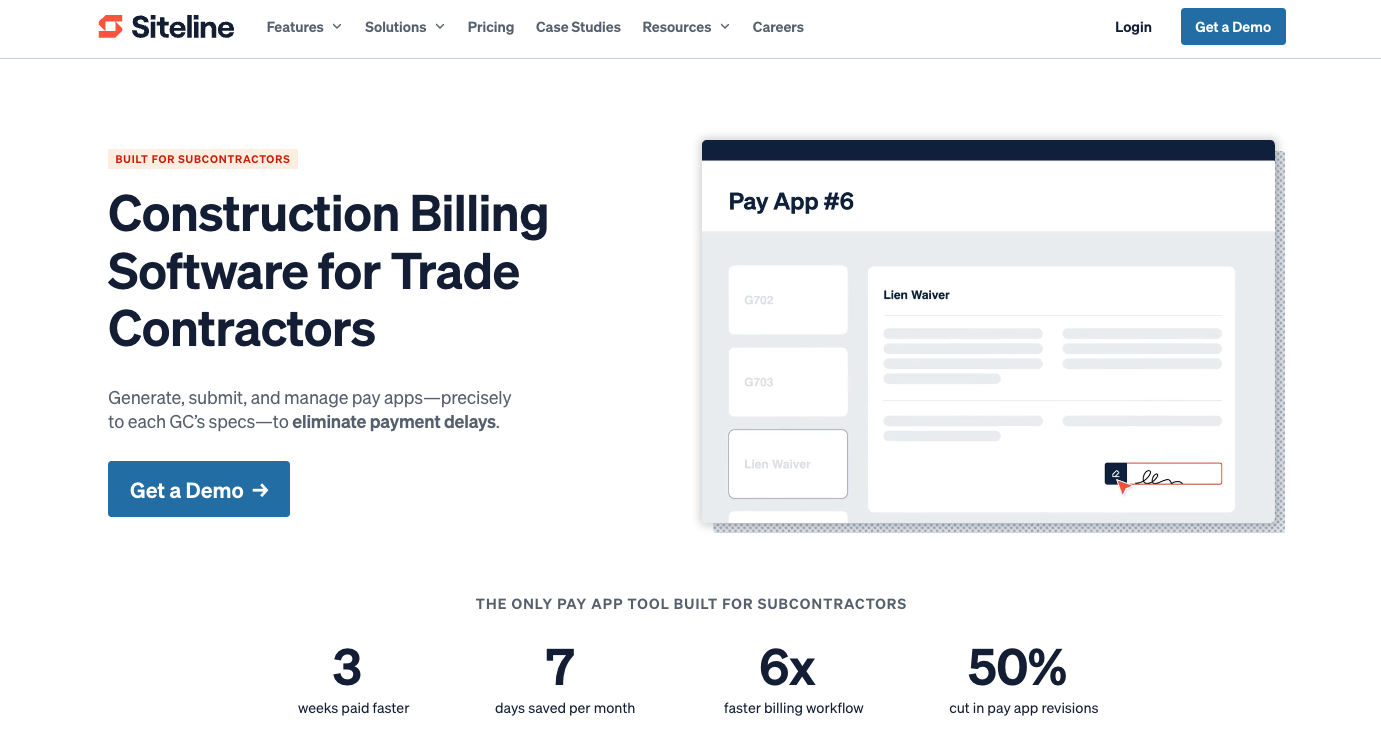
Siteline is the only construction billing software built specifically for commercial trade contractors. Subs use it to manage pay apps, lien waivers, lien rights, compliance docs, vendors, and collections. It also delivers real-time visibility into billing health, cash flow, and backlog.
Siteline’s AIA®-Style Billing Functionality
- Centralize all billing-related tasks in a single hub.
- Generate digital versions of any GC payment application form or lien waiver.
- Automate calculations, taxes, and carry-over from previous months.
- Manage and track change orders throughout a project’s lifecycle.
- Capture approvals and digital signatures.
- See the real-time status of every pay app across all clients and projects.
- View each project’s billing health from every angle in real-time.
- Generate billing and cash forecasts for immediate backlog and cash insights.
- Protect your right to get paid with state-specific lien rights tracking.
- Automate collections outreach to shave 11 days off DSO.
- Integrates with more than 10 accounting and ERP systems, including QuickBooks Online, Sage 100, 300, and Intacct, Viewpoint Vista and Spectrum, FOUNDATION, and Acumatica.
Proven Results from Siteline’s AIA®-Style Billing Software
Siteline is the only AIA®-style billing solution that supports standard G702® and G703® forms in addition to any custom GC payment application form, ensuring seamless and accurate monthly progress billing no matter what the client requires. Specialty contractors across all trades have used Siteline to bill more than $14 billion across 250,000+ projects. Many of them report business-changing results, including:
- 6x faster billing workflows
- 7 days saved managing A/R per month
- 50% reduction in pay app revisions
- 3-week faster payments
- 45% reduction in invoice aging compared to the industry’s DSO average
Learn more about Siteline’s AIA®-style billing software.

2. Knowify
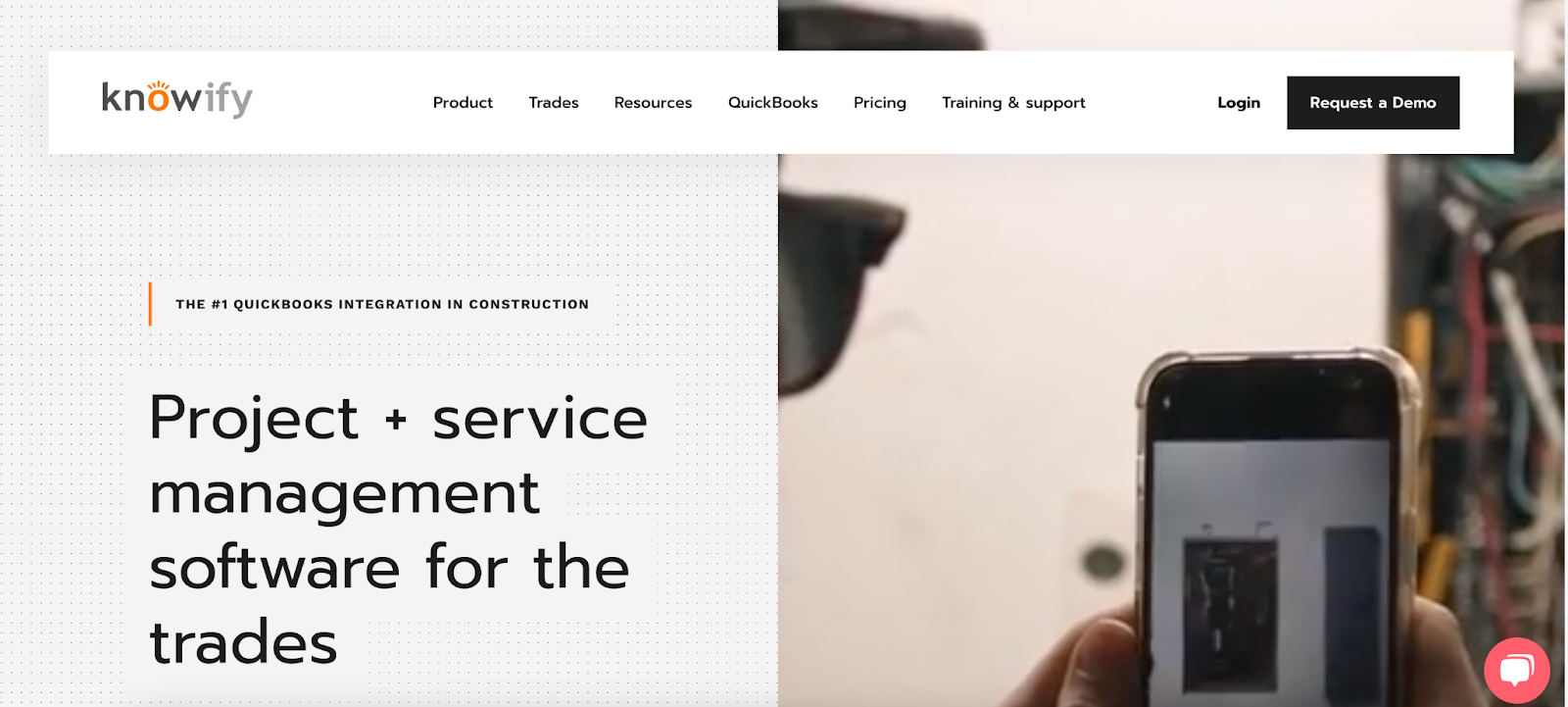
Knowify is a job costing and project management tool. Small-to-midsize residential and commercial GCs and subs use it to manage service tickets, work orders, and contract jobs. Its functionality includes estimation, job costing, contract and change order management, project tracking, time tracking, invoicing, purchasing, billing, and scheduling.
Knowify’s AIA®-Style Billing Functionality
- Automatically generate detailed schedules of values.
- Include approved change orders.
- Create official branded G702®/G703® forms.
- Track and bill for retainage.
- Receive payment advances on approved pay apps through Knowify’s partner, Billd.
Knowify’s AIA®-Style Billing Limitations
- Only integrates with QuickBooks and Intuit accounting systems. Does not integrate with any GC payment portals.
- Does not support custom pay app forms.
- No functionality to manage lien waivers.
Learn more on Knowify’s website.
3. Procore

Procore is an all-in-one construction management software. Its comprehensive platform covers pre-construction, project execution, resource management, finance management, and business intelligence.
Procore’s AIA®-Style Billing Functionality
- Generate invoices that follow G702®/G703® formatting.
- Set the primary invoice contact and other billing stakeholders per project.
- Streamline invoice tracking, including collection, review, and approval.
- Integrate with 500+ construction tech tools.
Procore’s AIA®-Style Billing Limitations
- Not built with AIA® billing in mind. You can do it, but the workflows aren’t obvious.
- Tailored more to the needs of GCs than subs, even though it offers some functionality for specialty contractors. Subcontractors seeking more intuitive progress billing tools often turn to Siteline, which integrates with Procore.
Learn more on Procore’s website.
4. LBMC Tech’s ProForm
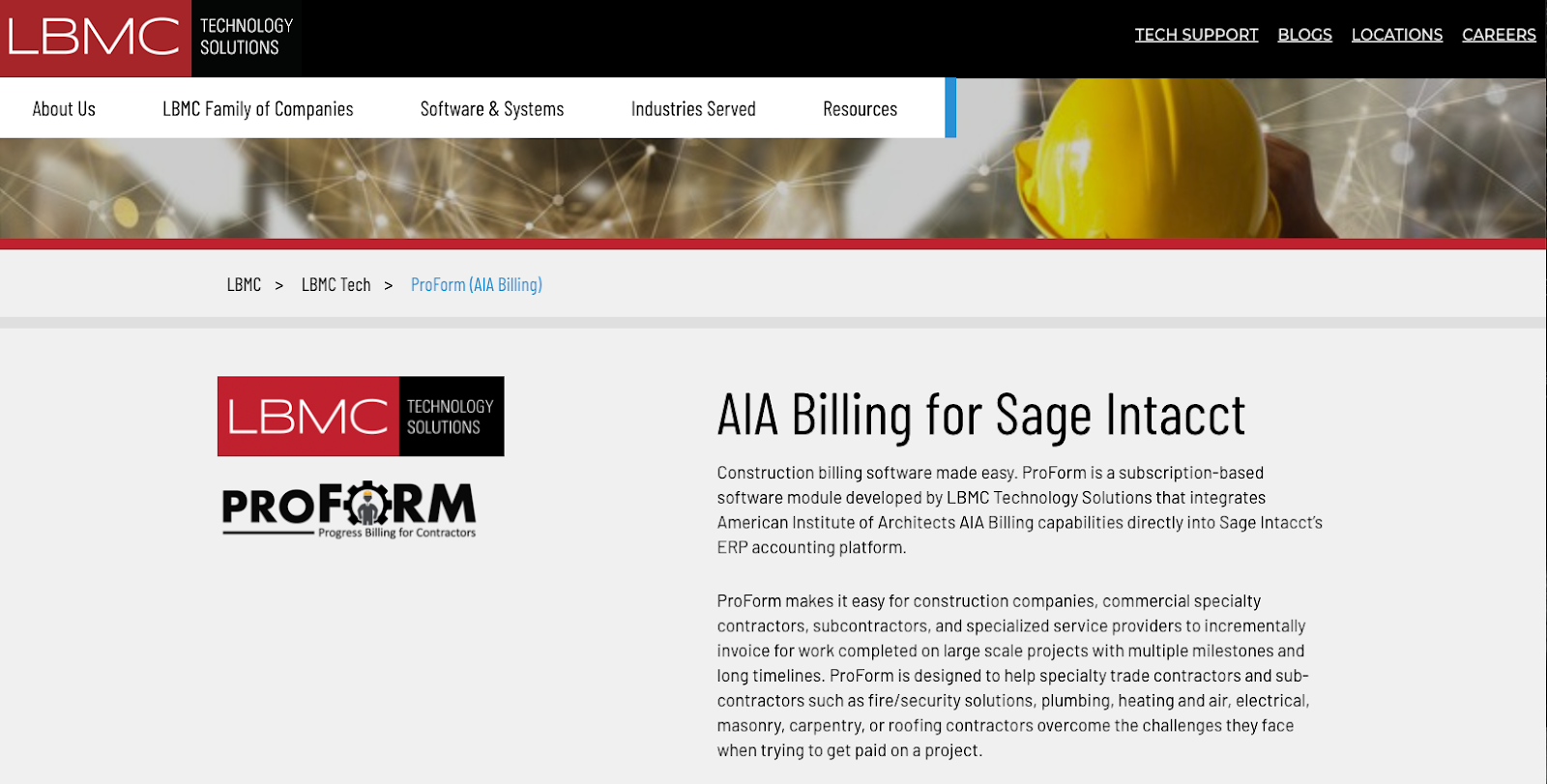
LBMC Technology Solutions makes a progress billing module called ProForm that integrates AIA® billing capabilities into Sage Intacct’s ERP accounting system. ProForm makes it easier for commercial specialty contractors, subcontractors, and specialized service providers using Sage Intacct to incrementally invoice for work completed on large-scale projects.
ProForm’s AIA®-Style Billing Functionality
- Designed specifically for commercial subcontractors.
- Complies with standard AIA® G-702® and G-703® Billing forms.
- Automates data entry between billing and accounting.
- Tracks change orders and schedules of values.
- Automatically calculates retention withholding.
ProForm’s AIA®-Style Billing Limitations
- Only works with Sage Intacct. Must have Sage Intacct Platform Services, Order Entry, and Basic Project Tracking.
- Does not integrate with any GC payment portals.
- Does not include lien waiver functionality.
- Offers very limited customizations.
- Minimum starting investment of $18,200 (in addition to your Sage Intacct subscription fees).
Learn more on LBMC’s website.
5. PAYearned

PAYearned is a payment software application designed for subcontractors. It streamlines standard AIA® billing processes and calculations to generate standardized PDF payment applications.
PAYearned’s AIA®-Style Billing Functionality
- Mirrors the G-702® payment application and the G-703® continuation sheet.
- Tracks billed and to-be-billed line items to automatically calculate schedules of values.
- Generates unbilled retainage reports.
- Provides a low barrier to entry with a free plan.
PAYearned’s AIA®-Style Billing Limitations
- Functionality is very limited. Does not include invoice tracking, lien waiver management, collections management, or reporting.
- Invoices must be downloaded and sent via email, mail, or fax.
- Offers very few customizations.
- No publicly available information on integrations.
Learn more on PAYearned’s website.
6. Aptora

Aptora is an all-in-one ERP system for HVAC, plumbing, and field services contractors. It includes enterprise-level accounting, payroll, and inventory tracking, plus scheduling and dispatching through its FSM module, and sales and marketing functionality via its CRM. AIA® billing is available as an add-on module.
Aptora’s AIA®-Style Billing Functionality
- Invoice based on percentage of completion.
- Automatically create Summary of Work and Continuation Sheets from an invoice.
- Generate Work in Progress (WIP) or Construction in Progress (CIP) reports.
- Manage invoice terms, credit holds, and payment discounts.
- Access a library of other official AIA® forms.
Aptora’s AIA®-Style Billing Limitations
- The interface is outdated, reminiscent of Windows 95.
- Many actions, like applying change orders or managing retainage, require several extra steps.
- Limited integrations available. Does not integrate with any GC payment portals.
Learn more on Aptora’s website.
7. Werx
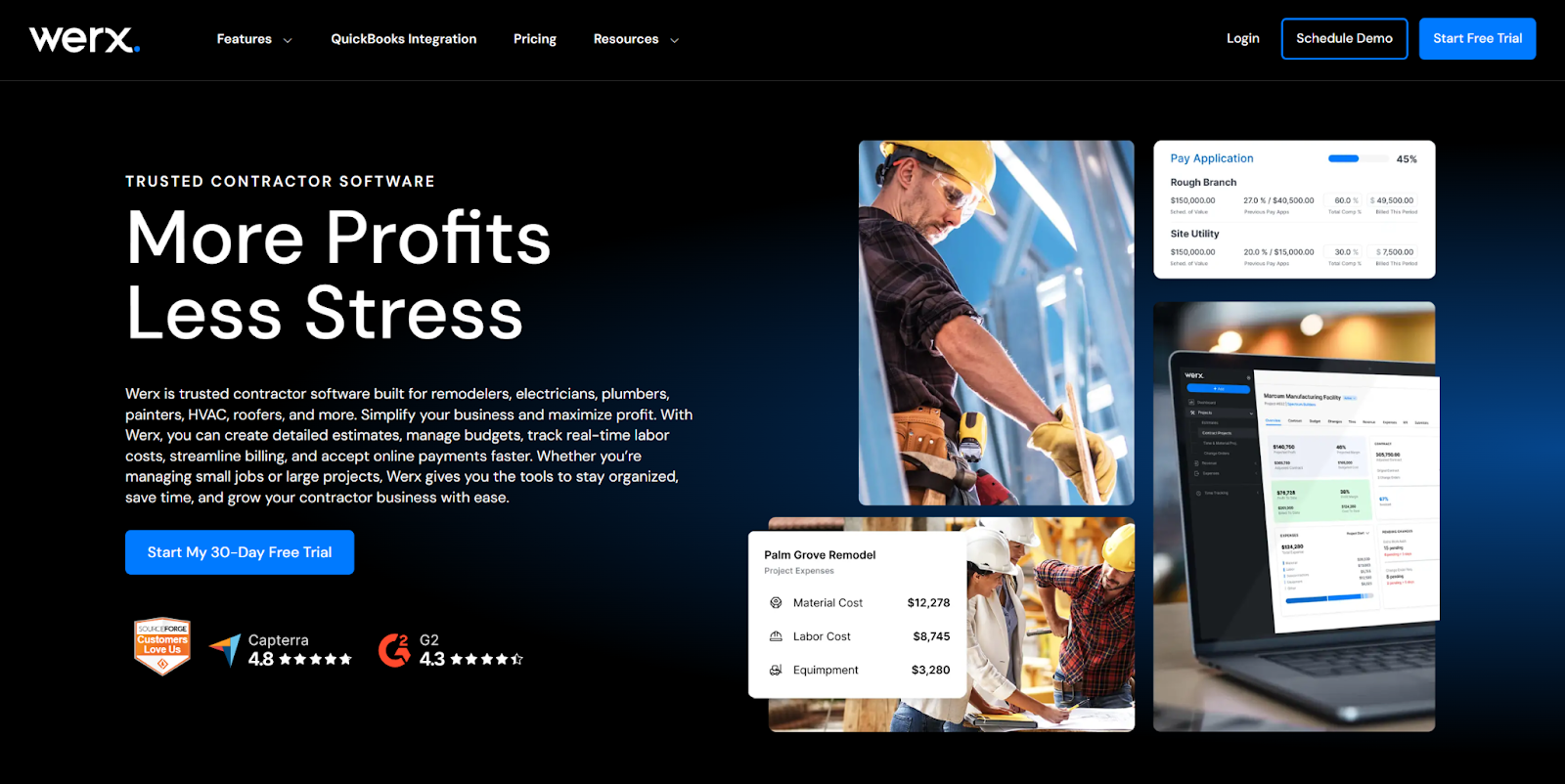
Werx is a construction project and accounting tool. Trade contractors use it to create detailed estimates, manage budgets, track real-time labor costs, streamline billing, and accept online payments.
Werx’s AIA®-Style Billing Functionality
- Create AIA-style payment applications.
- Apply change orders to correct billing cycles.
- Automatically calculate and bill for retainage.
- Collect electronic payments via Stripe.
Werx’s AIA®-Style Billing Limitations
- Only available integration is QuickBooks.
- Mobile app is limited to time tracking.
- Does not integrate with any GC payment portals.
- Does not include lien waiver functionality.
Learn more on Werx’s website.
8. Foundation Software
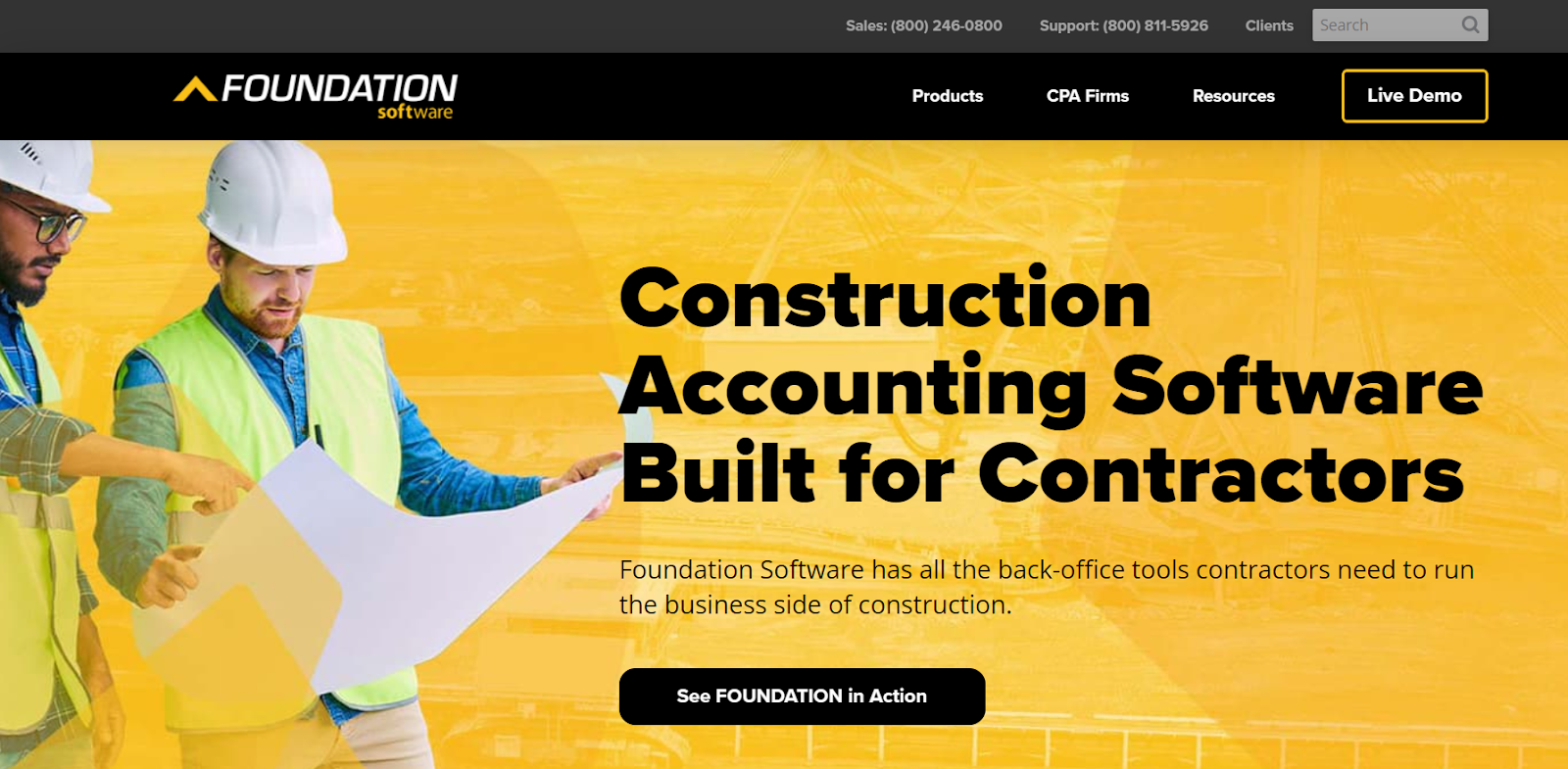
Foundation Software is a fully integrated construction accounting system that covers a wide range of accounting and project management needs, plus additional modules for HR, safety, and field services management. Its accounting functionality includes A/P, A/R, general ledger, job costing, expense tracking, payroll, and financial reporting.
Foundation Software's AIA®-Style Billing Functionality
- Use standard AIA® billing templates.
- Import schedules of values and add individual budget line items.
- Instantly sync invoices with A/R and general ledger reports.
- Manage, track, and invoice for retainage payments.
- Facilitates AIA®, unit price, and time and materials billing.
Foundation Software's AIA®-Style Billing Limitations
- Billing functionality was designed primarily with GCs in mind. Subcontractors looking for more intuitive progress billing tools often turn to Siteline, which integrates with Foundation Software and is part of the company’s partner network.
- Does not integrate with GC payment portals.
- Calculations must be manually updated when data values change.
- Costs can quickly add up due to module- and user-based pricing.
- Users report that implementation is challenging.
Learn more on Foundation Software's website.
9. ComputerEase by Deltek
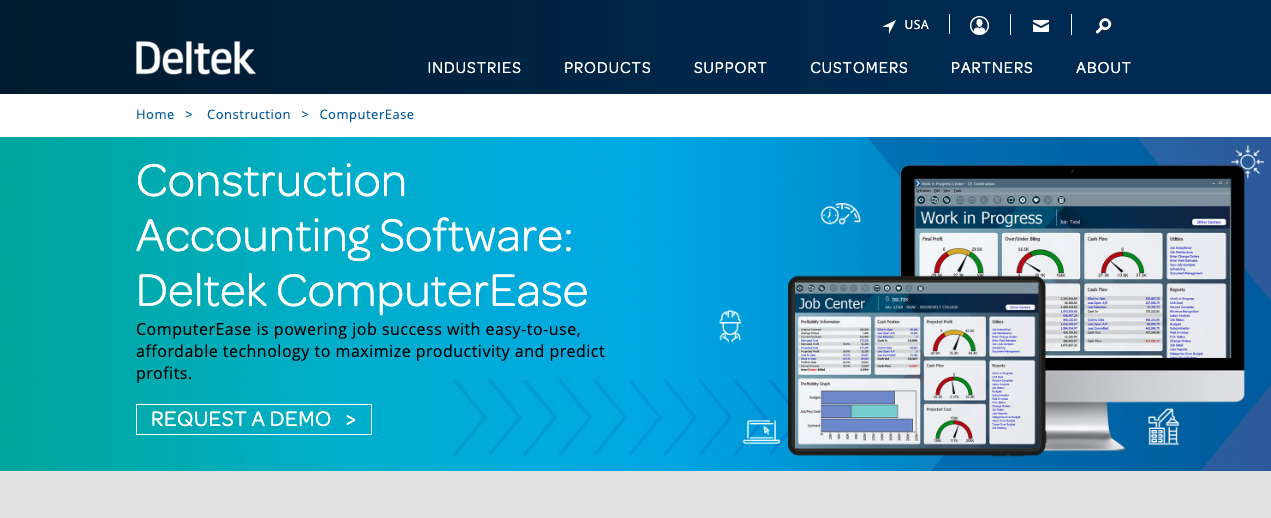
ComputerEase is construction accounting software made by Deltek for contractors. It covers job costing, billing, payroll, financial reporting, and tax compliance. Additional modules include CRM, equipment and inventory management, project management, field apps, and service management.
ComputerEase’s AIA®-Style Billing Functionality
- Use G702/703® forms to progressively bill for work completed and materials stored.
- Track project-related expenses in real time.
- Apply change orders to pay apps.
- Monitor retainage, material billings, and committed costs.
ComputerEase’s AIA®-Style Billing Limitations
- Limited lien waiver functionality. Subcontractors looking for more robust lien waiver support often turn to Siteline, which integrates with ComputerEase.
- Must manually post invoices to the A/R module.
- AIA® billing reports can only be printed.
- Does not integrate with GC payment portals.
Learn more on Deltek’s website.
10. Viewpoint Vista by Trimble
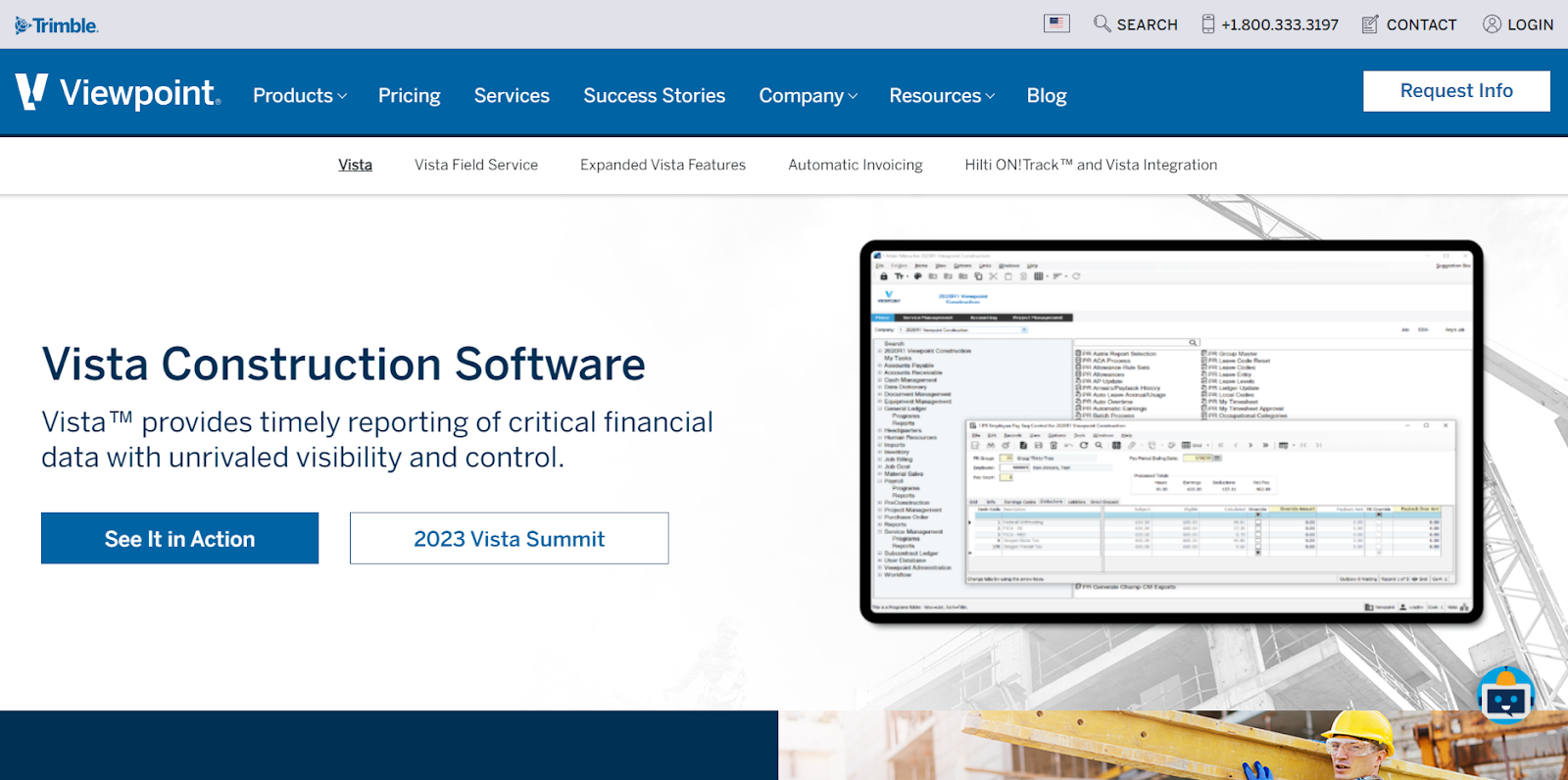
Viewpoint Vista is a construction software owned by Trimble. GCs and trade contractors of all sizes use it for accounting, cost management, project management, scheduling, and communication. Finance functionalities include A/P, A/R, general ledger, job costing, job billing, and expense tracking.
Viewpoint Vista’s AIA®-Style Billing Functionality
- Automate invoicing and billing workflows.
- Streamline and track invoice approvals.
- Apply job-costing data to progress billing invoices.
Viewpoint Vista’s AIA®-Style Billing Limitations
- Limited AIA® billing functionality is buried in a broad construction platform. Subcontractors looking for more intuitive progress billing tools often turn to Siteline, which integrates seamlessly with Viewpoint Vista and is part of its partner network.
- Not easy to configure or customize.
Learn more on Viewpoint Vista’s website.
Key Capabilities for AIA® Billing Software
Subcontractors get the most out of progress billing software when it specifically addresses AIA® billing processes while being versatile enough that it:
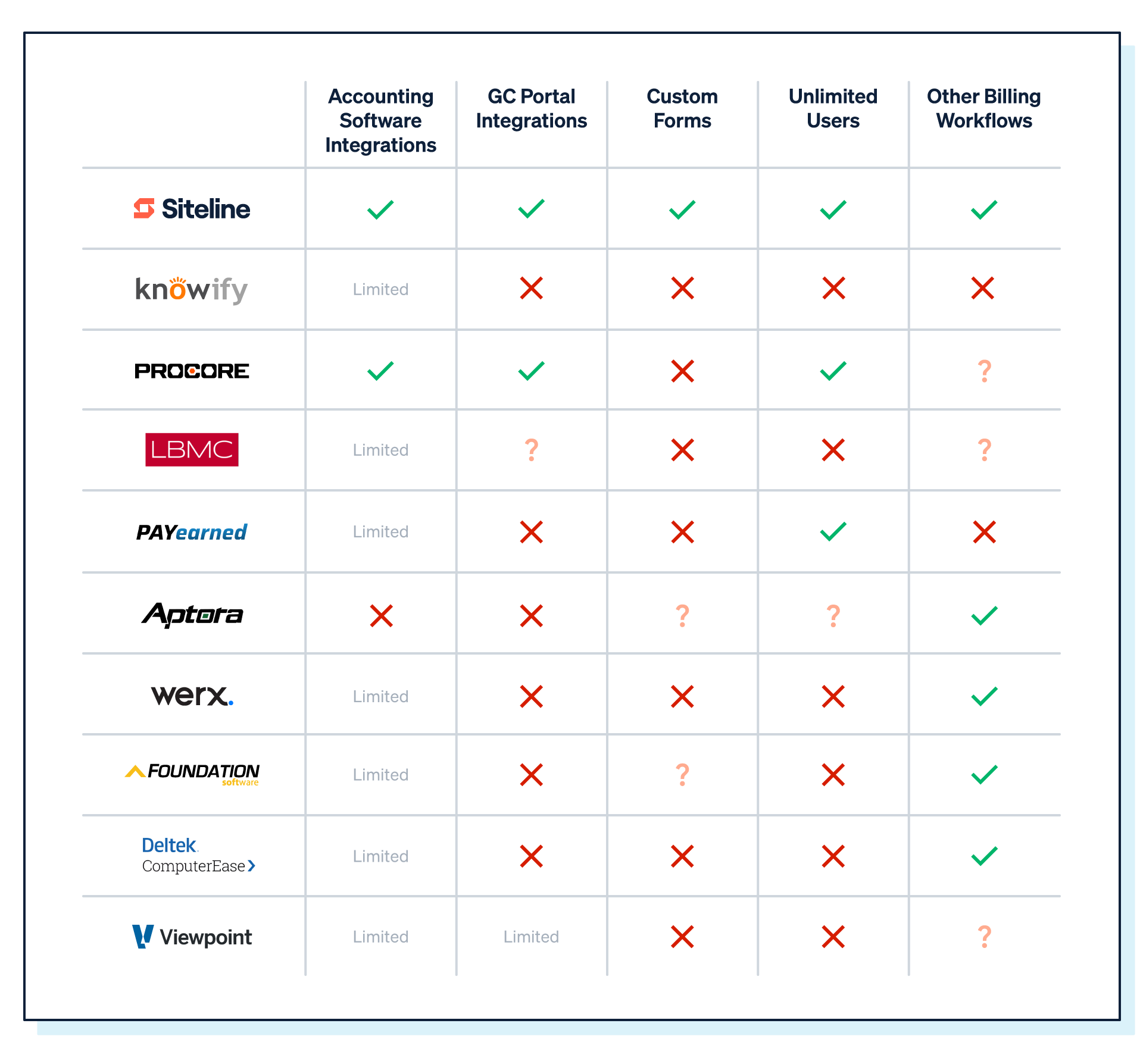
- Supports other forms: Many GCs use custom forms instead of the G702® and G703®. If you choose a system that doesn’t allow custom forms, you’re restricting its value.
- Addresses other billing workflows: Not every project uses progress billing. You also have time and materials and one-off invoices. You also have time-and-materials billing and one-off invoices.
- Integrates with your accounting software: It’s critical to keep data synced between your invoicing and accounting systems.
- Centralizes all billing: Construction billing is complicated. You need a single command center that pulls together all your due dates, forms, portals, and billing status in a unified view.
- Connects with GC payment portals: The last thing you want is to have to download pay apps and upload them to another system.
- Includes unlimited users: Getting everyone working in the same systems unlocks efficiency that you cannot get otherwise.
Here’s a quick comparison chart across the 10 AIA® billing software we analyzed.
How to Choose the Best AIA®-Style Billing Software for Your Business
While it might be tempting to throw a dart and pick one of these systems, it's important to keep the bigger picture in mind when choosing new construction tech tools. The right tool depends on your billing volume, your ERP, and how many GCs you work with. Here's what to consider.
Start with your biggest pain point. If manual data entry is killing your team, you need a strong ERP integration. If you're losing time logging into five different GC portals every billing cycle, prioritize portal connectivity. If you're managing 20+ active projects, visibility and reporting matter most. Evaluate your current workflow and know what you need to solve for before you start demos.
Check ERP compatibility first. AIA® billing software only delivers value if it talks to your accounting system. Before you get attached to a tool, confirm it integrates with your ERP, and ask how the integration actually works. Bi-directional sync is table stakes. Some tools only push data one way, which still creates manual work.
Ask about custom forms. Standard G702®/G703® support is the baseline, but most GCs have their own forms. If a tool can't handle custom forms, you'll end up managing two separate billing workflows. Ask vendors specifically: "How do you handle custom GC forms?" and "What's the process for adding a new one?"
Understand the total cost of ownership. The sticker price is rarely the full cost. ERP add-on modules like ProForm require you to already have Sage Intacct, which adds significant overhead. Tools with per-user pricing get expensive fast. Look for flat or volume-based pricing with unlimited users; billing is a team sport, after all, and you don't want to gate access.
When you're evaluating your options, use these questions (pulled from our guide to selecting construction software):
- How well does each system address your specific challenges?
- Does it connect with your accounting software and/or other systems?
- What's the average implementation timeline for subs your size?
- What kind of training and support is available, both during onboarding and ongoing?
During demos, bring a real project. Ask the vendor to show you how they'd handle your most complicated billing scenario, e.g., a project with stored materials, variable retainage, and a custom GC form. That's where the differences between tools become obvious.
Siteline is built specifically with trade contractors' unique billing processes in mind. It connects with more than a dozen accounting systems, supports standard AIA®-style forms and any custom GC forms, and integrates with many GC portals. Subs receive white-glove service to help them get up and running in time to send their next pay app. Technical support and a dedicated account manager are included in every subscription.
If you're seeking an easy-to-use, easy-to-implement solution that's helped subs across the country get paid faster, see Siteline's AIA®-style billing software in action.
FAQ
Does AIA® billing software replace my ERP?
No. AIA® billing software doesn’t replace your ERP; it augments it. Your ERP handles the books: job costing, payroll, and general ledger. AIA® billing software handles the front-end billing workflow: generating pay apps, managing GC forms and portals, tracking approvals, and collecting lien waivers. The two systems work best when they're connected.
Siteline integrates with all the major construction ERPs, including Sage, Viewpoint, Foundation, and ComputerEase, so data stays in sync without manual re-entry.
How long does it take to set up an AIA® billing software?
It depends on the tool. ERP-based modules like ProForm can take months to configure. Standalone tools like Siteline are designed to get you up and running fast, typically within a week or two, and often in time to submit your next pay app. During onboarding, Siteline's team loads your existing GC forms, SOV data, and integrations so you're not starting from scratch.
What does AIA® billing software cost?
Pricing varies widely across this category. PAYearned offers a free tier with basic functionality. Mid-range tools like Knowify and Werx typically run a few hundred dollars per month. ERP add-ons like ProForm start at $18,200 (plus your existing Sage Intacct fees). Siteline is subscription-based with pricing based on your billing volume; contact them for a custom quote. When comparing costs, factor in the time your team spends on manual billing. If you're billing 6x faster and getting paid 3 weeks sooner, the ROI math works out quickly.
What's the difference between AIA® billing software and construction accounting software?
Construction accounting software manages your financials—A/P, A/R, payroll, job costing, etc. AIA® billing software manages the payment application process: generating G702®/G703® forms, handling custom GC forms and portals, tracking approvals, and collecting lien waivers. Most accounting systems have some invoicing capability, but few were built with the nuances of subcontractor progress billing in mind. That's why many subs run both: their ERP for accounting and a dedicated tool like Siteline for billing.
Can I use AIA® billing software if my GC requires a custom form?
Most tools can't handle custom GC forms; they only support standard G702®/G703®. This is a significant limitation if you work with multiple GCs, since most large GCs use their own branded forms or require submissions through a portal like GCPay or Textura. Siteline is the only tool on this list that supports both standard AIA®-style forms and any custom GC form.
What integrations should AIA® billing software have?
At a minimum, your AIA® billing software should integrate with your accounting system so billing data syncs without manual re-entry. Beyond that, look for GC payment portal integrations (Procore, GCPay, Textura, and others) so you're not downloading and re-uploading pay apps. If you're evaluating Siteline, it connects with more than 14 ERPs and GC portals (see the full integrations list).
AIA®, G702®, and G703® are registered trademarks owned by The American Institute of Architects and ACD Operations, LLC. Siteline is not affiliated with The American Institute of Architects or ACD Operations, LLC. Users who wish to use Siteline’s software to assist in filling out AIA® forms must have or secure the AIA® forms. Siteline does not and will not provide users with the forms.


%202.webp)